Video podcasting
How do you livestream a podcast?
By the team at The Cast Studio · Updated · 4 min read
In short
To livestream a podcast you need cameras and microphones, someone to switch between angles, streaming software or a hardware encoder, a wired internet connection and a channel that is cleared to go live. Remote guests join by link. Record a clean copy at the same time, run a private test stream first, and keep someone on the chat.
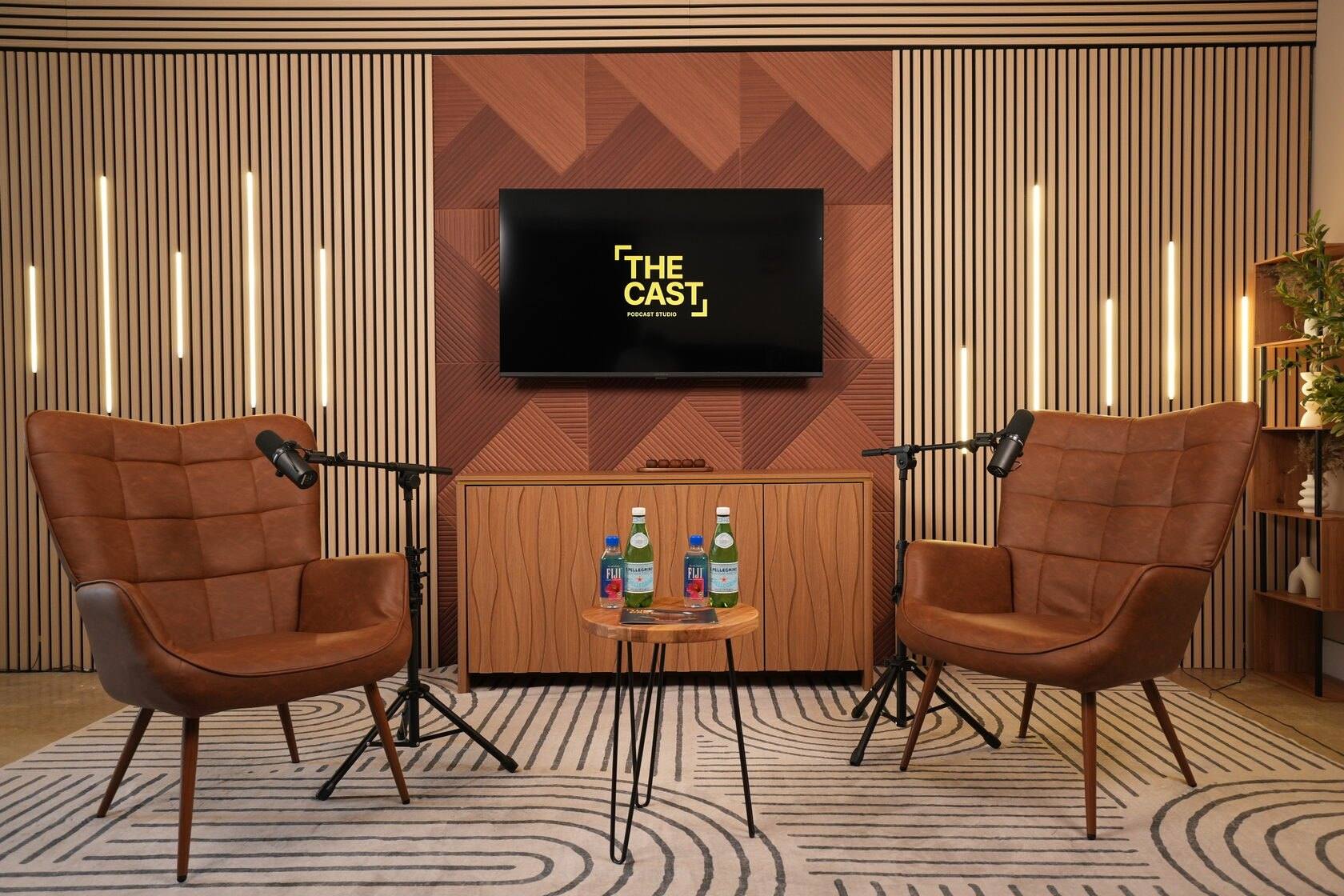
A live podcast lets your audience ask questions while you talk, and it turns one recording into an event. It also adds new ways to fail: a dropped connection, a guest without sound, a chat nobody reads. This guide covers what you need, how remote guests join, what YouTube requires before you can go live, and a checklist for the first stream.
What do you need to livestream a podcast?
To livestream a video podcast you need cameras and microphones, a way to switch between angles, streaming software or a hardware encoder, a stable upload connection and a channel that is allowed to go live.
- Cameras and microphones. A wide shot plus a close-up of each speaker, and one microphone per voice. Our guide to podcast camera setup covers the angles.
- A switcher. Software or hardware that cuts between cameras as people speak. On a live show nobody can fix a bad cut later, so someone has to run it.
- Streaming software or an encoder. It mixes the cameras, the audio, remote guests and on-screen titles, and sends the stream to YouTube or another platform.
- A wired connection. Use an Ethernet cable rather than Wi-Fi, and check your upload speed before the show.
- A local recording. Record a clean copy at the same time. The stream is compressed; the local file is what you edit and publish.
What does YouTube require before you can go live?
YouTube requires a verified channel with no live streaming restrictions in the past 90 days, and the first time you enable live streaming it can take up to 24 hours to activate, according to YouTube Help (checked November 14, 2026). Going live from a phone has its own minimum of 50 subscribers, per YouTube's guide to mobile live streams (checked November 14, 2026). Set up the channel at least a day before your first show.
Which platform should you stream a podcast to?
Stream to the platform where your audience already watches, and start with one. For most video podcasts that is YouTube: viewers find the stream through search and recommendations, and YouTube can keep it on your channel as a video after it ends. LinkedIn Live suits business audiences, and Instagram and Facebook suit a community that already follows you there; each platform sets its own rules for who can go live.
Streaming software can send one show to several platforms at once. That widens the reach but splits the chat across apps, so the person reading questions has more to watch. Many shows stream to one platform live and post the recorded episode everywhere else afterwards.
Whichever you choose, announce the date a week ahead, post a reminder an hour before, and pin a short description with the guest's name and the topic, so people who arrive late know what they joined.
How do remote guests join a podcast livestream?
Remote guests usually join through a browser link to the streaming software, or through a video call that the producer brings into the stream. Send the link the day before and ask each guest to:
- Wear headphones, so your audio does not echo back through their microphone.
- Use a wired connection or sit close to the router.
- Sit facing a window or a lamp, with the light on their face, not behind them.
- Join 15 minutes early for a sound and picture check.
For a show that matters, have each remote guest record their own audio locally as well. If their connection drops on the stream, the episode you publish later still sounds clean.
How do you run a test before the first live show?
Run a private or unlisted test stream on the same day, with the same setup, for at least ten minutes. Check every item on this list:
- Every camera shows up, and the cuts follow the speaker.
- Every voice, including remote guests, is clear and at the same level.
- Titles and names are spelled right.
- The local recording is running.
- The stream holds steady for the whole test, with no freezing.
- Someone is ready to watch the chat and pass questions to the host.
What should you do while you are live?
Keep one person on the controls and one on the audience. The host talks; a producer switches cameras and watches the levels; someone reads the chat and passes on the questions worth answering. Say the topic and the guest's name again every 10 to 15 minutes for people who join late, and end with what comes next: the date of the next live show and where to find the full episode.
Can a studio run the livestream for you?
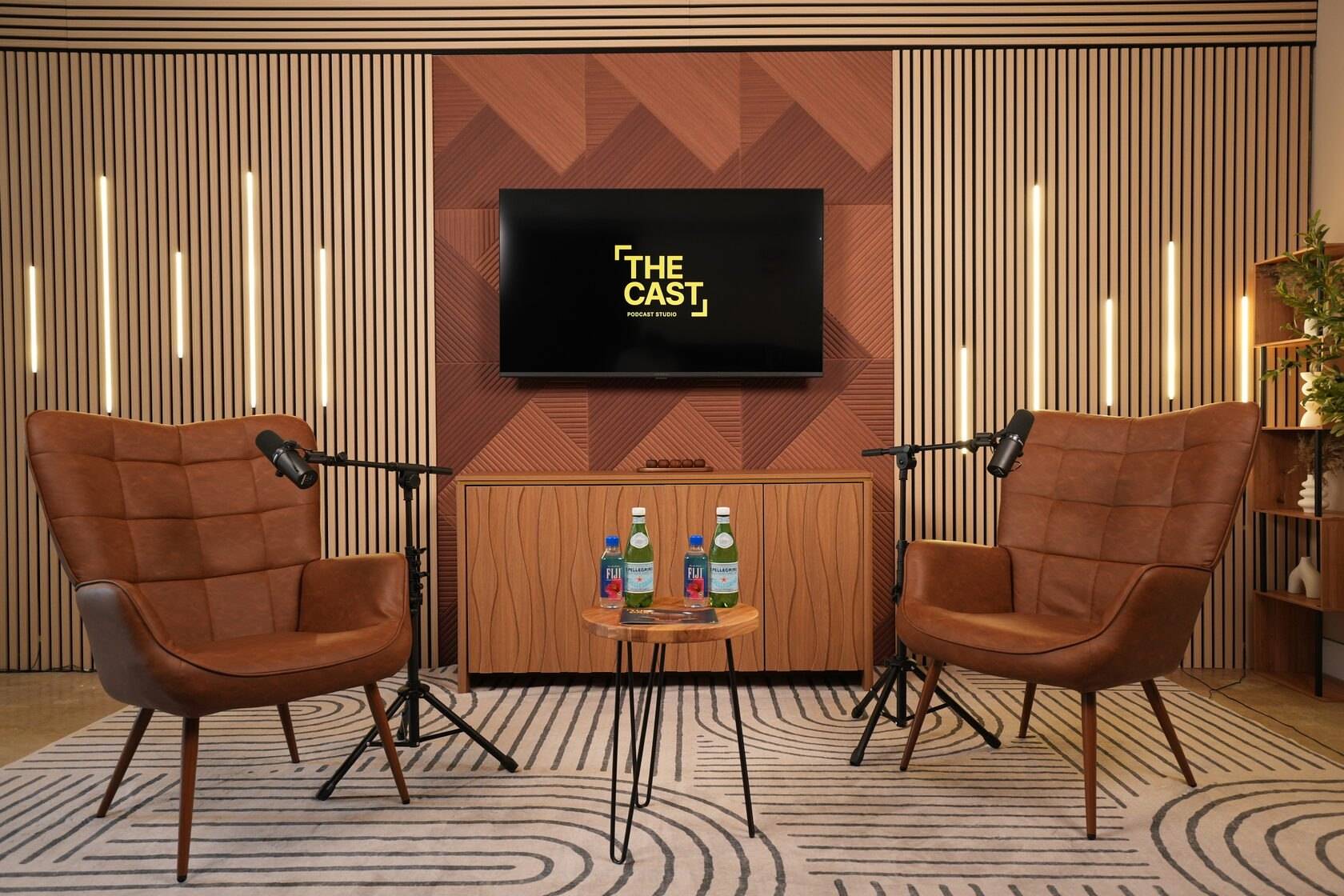
Yes. At The Cast Studio, livestreaming with remote guests is an add-on of $125 per hour with Full Crew ($250 per hour) or Ready to Post ($455 per hour). The engineer switches between the three 4K cameras during the stream, remote guests join by link, and the source files go to your Google Drive right after the session. A two-hour live show with Full Crew comes to $750. See the video podcast studio setup and all prices and add-ons.
Planning a live show? Book Full Crew with the livestream add-on, or take a free studio tour first and see the setup.
Is a livestream worth it for a small podcast?
A livestream is worth it when your audience wants to take part: questions for an expert, a launch, a panel with a community. If your listeners mostly play episodes later, record as usual and post the clips. Many shows go live once a month for a question-and-answer episode and record the rest.
Frequently asked questions
Can you livestream and record a podcast at the same time?
Yes, and you should. Record a clean, high-quality copy locally while you stream. The live stream is compressed for the internet, so the local recording is the one to edit, publish as an episode and cut into clips.
What do you need to livestream a podcast on YouTube?
A verified YouTube channel with no live streaming restrictions in the last 90 days, streaming software or an encoder, cameras and microphones, and a stable upload connection. The first time you enable live streaming it can take up to 24 hours, so set it up a day before the show.
How do remote guests join a podcast livestream?
Through a browser link to the streaming software or a call that the producer brings into the stream. Ask remote guests to use headphones, a wired connection if they can and a quiet room, and run a short check with them before you go live.
How much does it cost to livestream from a podcast studio?
At The Cast Studio, livestreaming with remote guests is an add-on of $125 per hour, added to Full Crew ($250 per hour) or Ready to Post ($455 per hour). The engineer switches the cameras during the stream and guests join by link.
Written by the team at The Cast Studio, a podcast and video studio at 801 NE 2nd Ave, Ste 120, Fort Lauderdale, FL 33304. Facts and prices are checked on the date shown above. About the studio.