Video podcasting
How to record a talking head video that looks professional
By the team at The Cast Studio · Updated · 4 min read
In short
A talking head video is one person speaking to the camera, framed from the chest up. It looks professional when the camera sits at eye level, the face is lit softly from the front and side, the background has depth, and the microphone is close. Write bullet points instead of a script, and record in short sections.
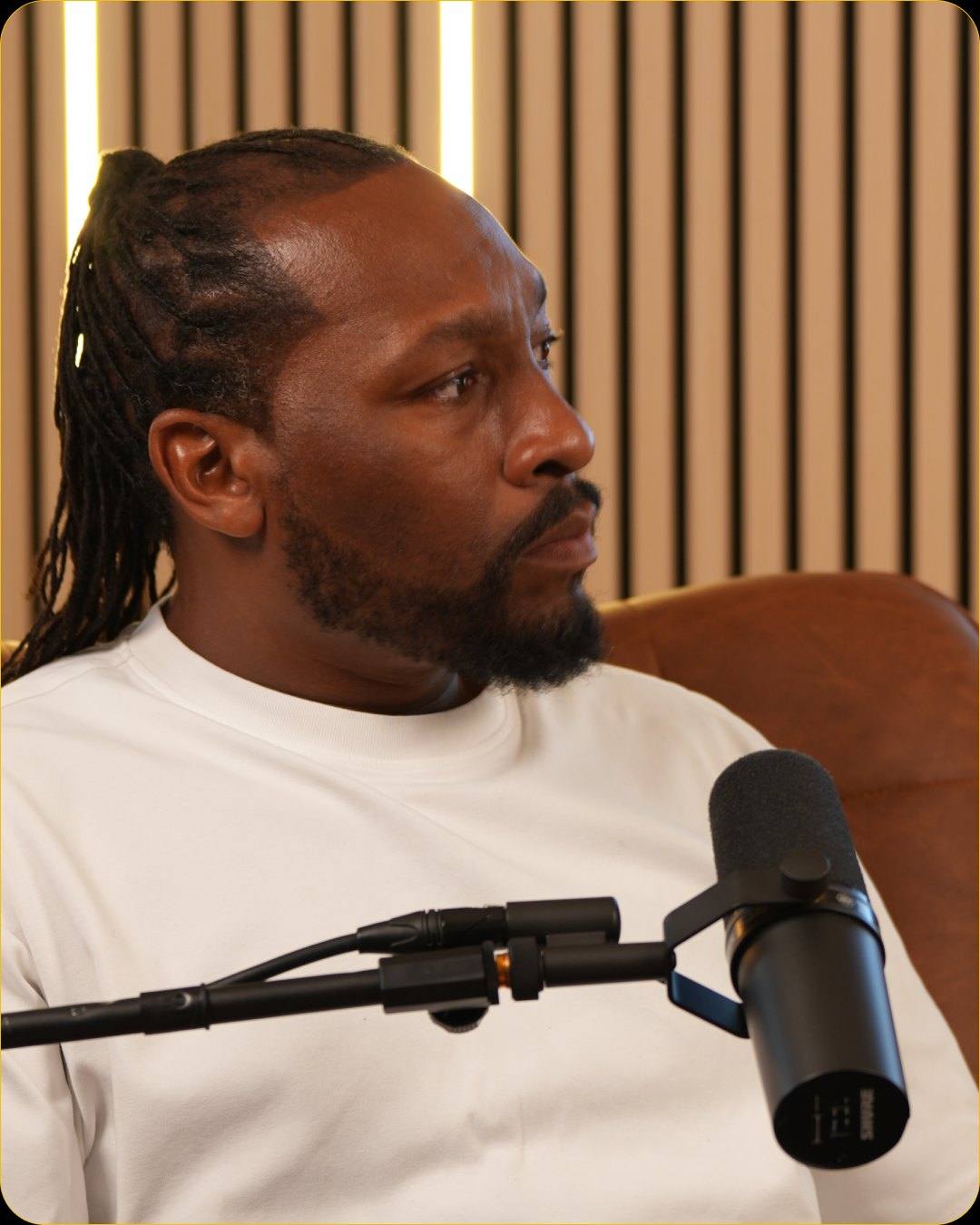
Talking head videos carry a lot of business communication: course modules, explainer videos, company updates, YouTube lessons and clips. They are simple to describe and easy to get wrong, because one person, one frame and one voice leave nowhere to hide. Here is how to make one look and sound professional, at home or in a studio.
What is a talking head video?
A talking head video is one person speaking, framed from the chest or shoulders up, usually looking into the camera. The format puts all the attention on the speaker's face and voice, which is why small details such as eye level, light and sound matter so much.
Common uses:
- Course modules and lessons, one topic per video.
- Explainer videos for a product or service.
- Company updates from a founder or team leader.
- YouTube videos and social clips built around one person's point of view.
- Answers to frequent customer questions, recorded once and reused.
How do you frame a talking head video?
Frame from the chest up, with the eyes about a third of the way down the frame and a little space above the head. Place the camera at eye level: a lens looking up at you makes you look dominant, one looking down makes you look small.
| Framing | What it shows | Good for |
|---|---|---|
| Close-up | Head and shoulders | Emotional or personal messages |
| Medium | Chest up, some background | Most lessons and explainers |
| Medium wide | Waist up, hands visible | Speakers who use gestures or show objects |
Leave the speaker roughly centered if you plan to crop vertical clips from the video later; our guide to podcast clips explains how to cut them.
Where should you look?
Look straight into the lens when you address the audience: lessons, updates and calls to action. An off-camera eyeline, toward someone sitting beside the camera, suits interview-style videos where you answer questions. Do not switch between the two within one video. In a conversation with a guest the rule changes: hosts and guests look at each other, as our podcast camera setup guide explains.
If looking into a lens feels unnatural, imagine one specific viewer behind it and talk to them as you would across a table.
How do you light and mic a talking head video?
Light the face softly from the front and slightly to one side, and keep the microphone close. Those two choices do more for quality than an expensive camera.
- Key light: a soft light at about face height, a little to one side of the camera.
- Fill: a weaker light or a white surface on the other side to soften shadows.
- Background light: a lamp or LED strip behind you so you do not blend into the wall.
- Microphone: a dedicated microphone close to the mouth, kept out of the frame or placed deliberately in it, as in podcast-style videos.
- Room: soft furnishings and a quiet space; switch off fans and air conditioning while you record.
Our guides to podcast lighting setup and podcast camera setup cover both topics in more depth.
How do you deliver without sounding scripted?
Speak from bullet points, not a full script, and record one idea at a time. A reading voice is easy to spot on camera, while bullet points keep the words your own. Our podcast script template shows what to script word for word and what to leave as an outline.
- Outline each video as three to five bullets.
- Rehearse each point out loud once or twice, without memorizing the wording.
- Record in short sections: say one point, pause, glance at the next bullet, look back at the lens and continue.
- Restart a sentence rather than pushing through a stumble; the editor can cut the false start.
- Smile at the start and at the end. Those frames often become thumbnails.
Can you record a talking head video at home?
Yes, with a quiet room, a camera or phone at eye level, a close microphone and a window or lamp for soft light. A home setup works well for frequent, informal videos. The difficulty comes with consistency: daylight changes during a session, rooms echo, and every video in a course should look the same.
When does a studio make sense?
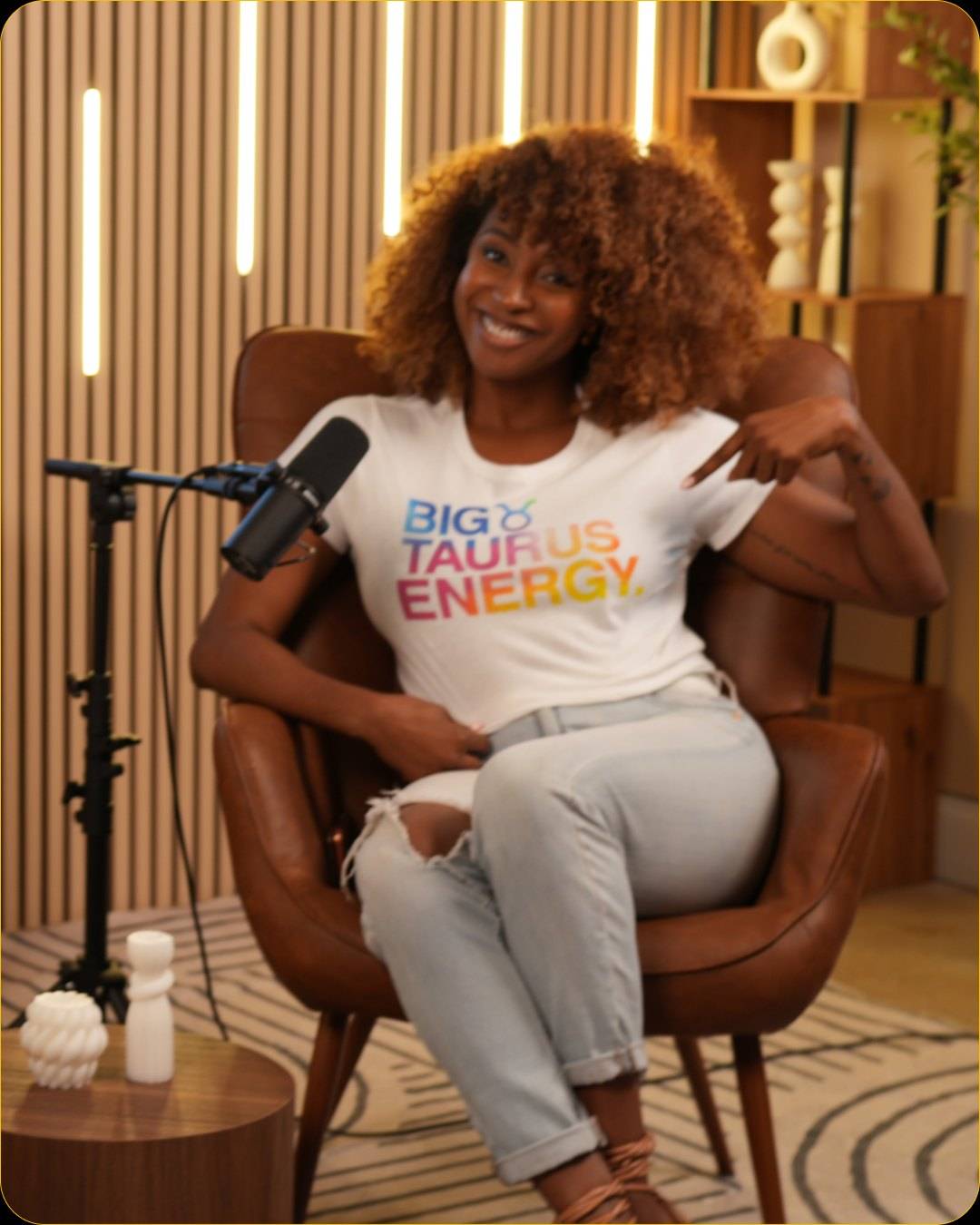
A studio makes sense when the videos represent your brand, when you record many in a row, or when you want the same look across a whole course. At The Cast Studio in Fort Lauderdale:
- Studio Essentials, $199 per hour: your choice of set, one cinematic 4K angle for a clean talking head, a professional audio setup, standard studio lighting and an on-site tech assist for setup, starting and stopping, and basic monitoring.
- Studio Recording, $250 per hour: a full crew, three 4K angles, thumbnail photos, and raw files within 24 hours, useful when you want to cut between framings.
Recording several modules or videos in one booking keeps the look identical from video to video. The content creation studio page explains how to plan a session like that, and all prices are on the podcast studio rental page.
What mistakes should you avoid?
Watch for these problems in talking head videos:
- A camera below eye level, looking up the nose.
- A bright window behind the speaker.
- An echoey room or a microphone too far away.
- Reading from a script word for word.
- Too much headroom, with the face sitting low in the frame.
- A busy background that pulls attention from the face.
Record a series of talking head videos with the same look every time: book a session, or see the six sets on a free tour.
Frequently asked questions
What is a talking head video?
A talking head video shows one person speaking, usually straight to the camera, framed from the chest or shoulders up. It is the format of course lessons, explainer videos, company updates, YouTube channels and many social media clips, because it puts the speaker's face and voice at the center.
What equipment do you need for a talking head video?
One camera at eye level, a microphone close to the speaker, a soft key light with a fill or bounce on the other side, and a background with some depth. A second camera at a different angle is optional, but it lets an editor cut between two framings and hide edits.
Should I look at the camera or off to the side?
Look straight into the lens when you speak to your audience, as in lessons, updates and direct appeals. An off-camera eyeline, toward an interviewer beside the lens, suits interview-style videos where you answer questions. Pick one per video and keep it consistent.
How do I avoid sounding scripted?
Write bullet points rather than full sentences, rehearse each point out loud, and record in short sections, one idea at a time. Glance at the next bullet between takes, then look back at the lens and say it in your own words.
How much does it cost to record a talking head video in a studio?
At The Cast Studio in Fort Lauderdale, Studio Essentials costs $199 per hour and records one cinematic 4K angle with professional audio, studio lighting and an on-site tech assist. If you want several angles and a full crew, Studio Recording is $250 per hour.
Written by the team at The Cast Studio, a podcast and video studio at 801 NE 2nd Ave, Ste 120, Fort Lauderdale, FL 33304. Facts and prices are checked on the date shown above. About the studio.