Planning
How do you make a podcast trailer?
By the team at The Cast Studio · Updated · 4 min read
In short
A podcast trailer is a 30 to 90 second preview that tells a new listener who the show is for, what they will get and when episodes come out. Open with a strong moment, add the host's one-line introduction, end with how to follow. Publish it as a trailer episode, and cut a short video version for social media.
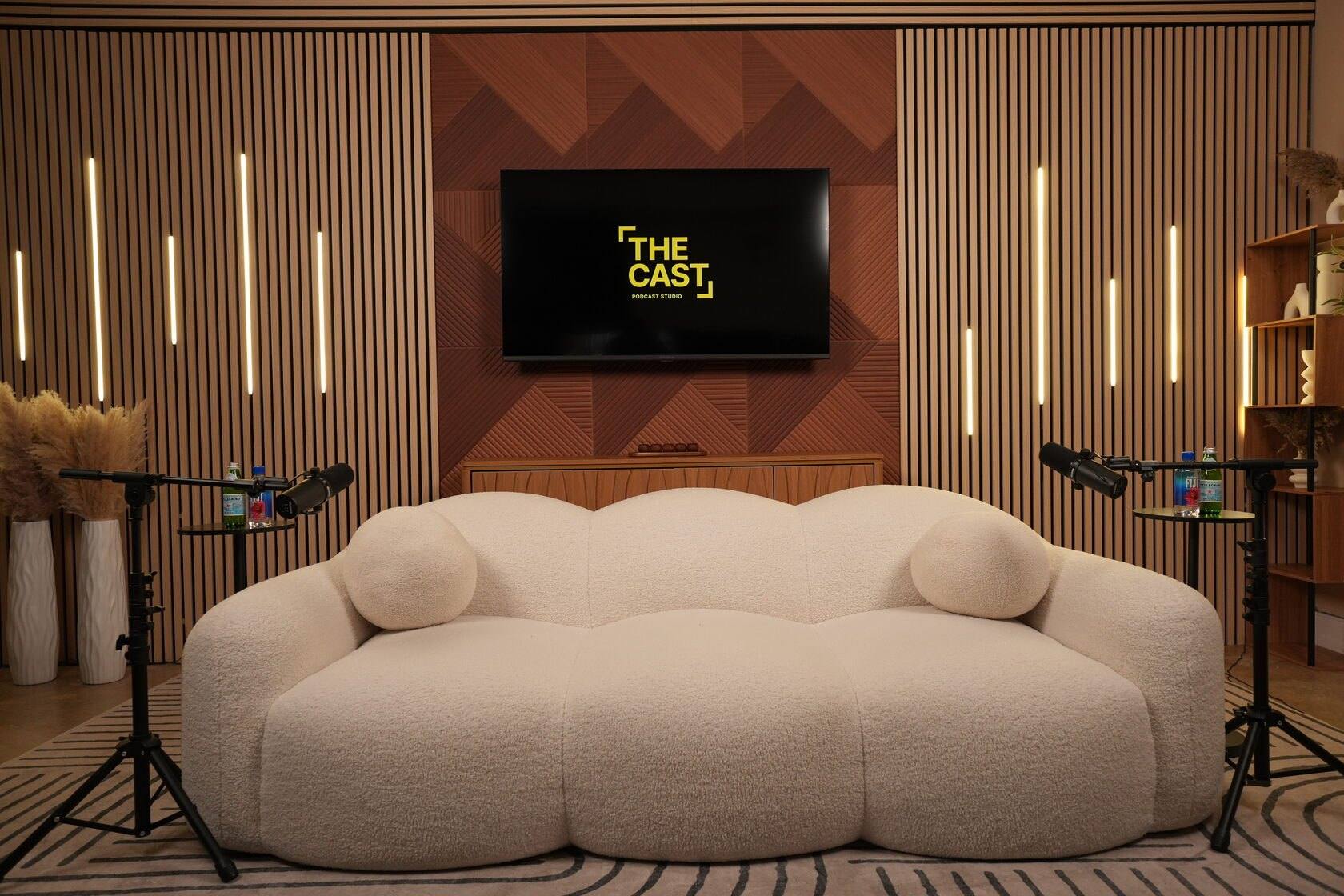
A podcast trailer is the first thing a new listener hears, and it decides whether they press follow. It does not need music, sound effects or a big production. It needs to answer three questions fast: who is this for, what will I get, and is it worth my time. This guide covers the length, what to say, where to publish the trailer and how to cut one from a recording you already have.
What is a podcast trailer?
A podcast trailer is a short preview of a show, usually 30 to 90 seconds, that tells new listeners what the podcast is about and why to follow it. It sits in the feed as its own episode. Apple Podcasts lets you mark an episode as a trailer, alongside full and bonus episodes, according to Apple Podcasts for Creators (checked November 14, 2026).
How long should a podcast trailer be?
Keep a podcast trailer between 30 and 90 seconds. A 30-second trailer fits a hook, a promise and a call to follow; a 60 to 90 second version adds one real clip from an episode. Write it, read it aloud with a timer, and cut anything that does not answer "who is this for" or "what will I get".
What should you say in a podcast trailer?
Say who the show is for, what they will get and how to follow, in that order, with a strong moment up front. This structure works for most shows:
- Hook (5-10 seconds). Open with the most surprising line, a question your listener asks themselves, or a short clip from an episode.
- Who it is for (5 seconds). "For real estate agents who want more listings from referrals." Name the listener, not the topic.
- What they will get (10-20 seconds). Two or three concrete things: the kind of guests, the problems you solve, the format.
- Who you are (5-10 seconds). One line on why you are the right host.
- When and where (5-10 seconds). How often new episodes come out, and the ask: follow the show.
Our podcast script template includes a trailer section you can fill in before you record.
Should you record a new trailer or cut it from an episode?
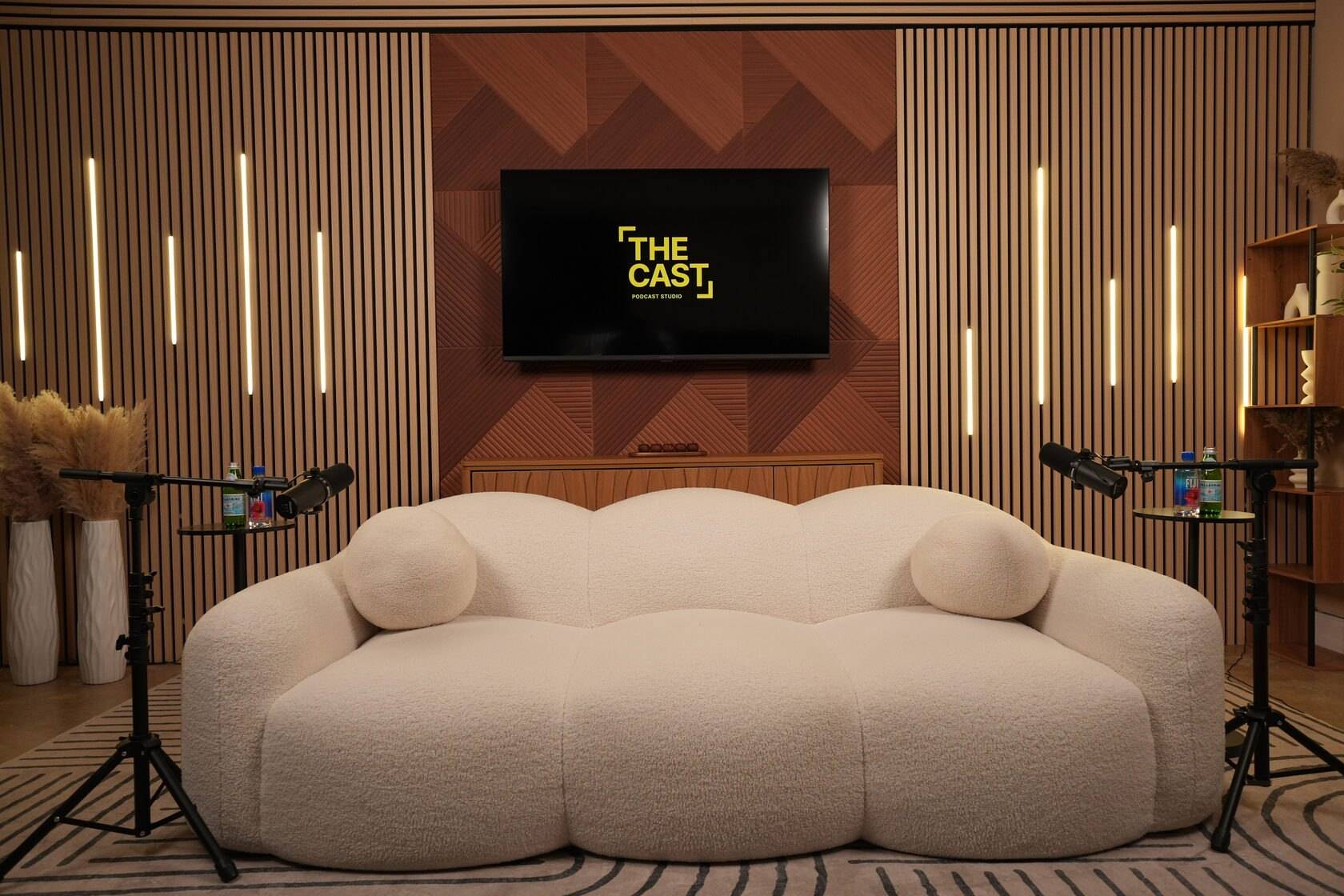
Do both if you can: record the script once on its own, and cut the hook from a real episode. A scripted trailer gives you a clean promise in your own voice; a real clip proves the show sounds the way you say it does. If you only have time for one, cut the trailer from your first recorded episode and add a short spoken intro and outro.
When you record on video, the same trailer becomes a vertical clip for Instagram, TikTok and YouTube Shorts. Record the scripted part looking into the camera, and keep the episode clip on the speaker's close-up.
Where should you publish a podcast trailer?
Publish the trailer in your podcast feed first, marked as a trailer episode, then share it everywhere new listeners find you. On Apple Podcasts, the Smart Play button on a show page plays the trailer for listeners who have not started the show yet; for episodic shows Apple picks the earliest trailer, and for serial shows the newest season's trailer, according to Apple's guide to serial and episodic shows (checked November 14, 2026).
- Your podcast feed, as a trailer episode.
- Your website, first on the show page.
- Social media, as a vertical video cut with captions.
- Your newsletter and guest invitations, so guests know what they are joining.
Our guide on how to promote a podcast covers the four weeks around a launch.
Can a studio make the trailer for you?
Yes. At The Cast Studio, a teaser trailer is an add-on: a 30 to 60 second trailer cut from your episode, with the price confirmed when you book. Record the episode with Full Crew and its three 4K cameras, or with Ready to Post to get the finished edit back in 2 to 4 business days, and add the trailer at checkout. See the studio prices and add-ons and what the edit includes.
Launching a show? Record the first episode and cut the trailer from it in one visit, or take a free studio tour first.
What are the common podcast trailer mistakes?
The most common mistake is a slow start: a trailer that opens with "Welcome to the show" loses people before it says anything. Watch for these too:
- No clear listener. "A show about business" fits everyone and convinces no one. Name the person you record for.
- Too long. Past 90 seconds, a trailer turns into an episode nobody asked for.
- Music over the voice. If the hook is hard to hear, the music is too loud.
- No ask at the end. Tell people what to do: follow the show, and where.
- An out-of-date trailer. When the format, the schedule or the co-host changes, record a new one. The trailer is the show's front door for every new listener, months after launch.
Record two or three versions of the hook in the same session and pick the strongest one in the edit. A second take often comes out more natural than the first.
Do you need music in a podcast trailer?
No. Music helps set the mood, but a clear voice and a strong first line matter more. If you use music, keep it under the voice, use a track you have the rights to, and make sure it does not compete with the hook.
Frequently asked questions
How long should a podcast trailer be?
Between 30 and 90 seconds. Thirty seconds is enough for a hook, a promise and how to follow; ninety seconds leaves room for a short clip from an episode. A trailer that runs several minutes starts to feel like an episode.
What should a podcast trailer include?
A hook in the first seconds, who the show is for, what listeners will get, who is talking, how often episodes come out and how to follow. A real clip from an episode proves the promise better than a description of it.
Where do I publish a podcast trailer?
In your podcast feed as an episode marked as a trailer, then on your social channels and website. Apple Podcasts lets you set the episode type to trailer, and its Smart Play button on the show page plays the trailer for new listeners when one exists.
Should a podcast trailer be audio or video?
Both, if you record on video. The audio version goes in your feed; a vertical video cut of the same trailer works on Instagram, TikTok and YouTube Shorts, where most people discover new shows.
Written by the team at The Cast Studio, a podcast and video studio at 801 NE 2nd Ave, Ste 120, Fort Lauderdale, FL 33304. Facts and prices are checked on the date shown above. About the studio.